
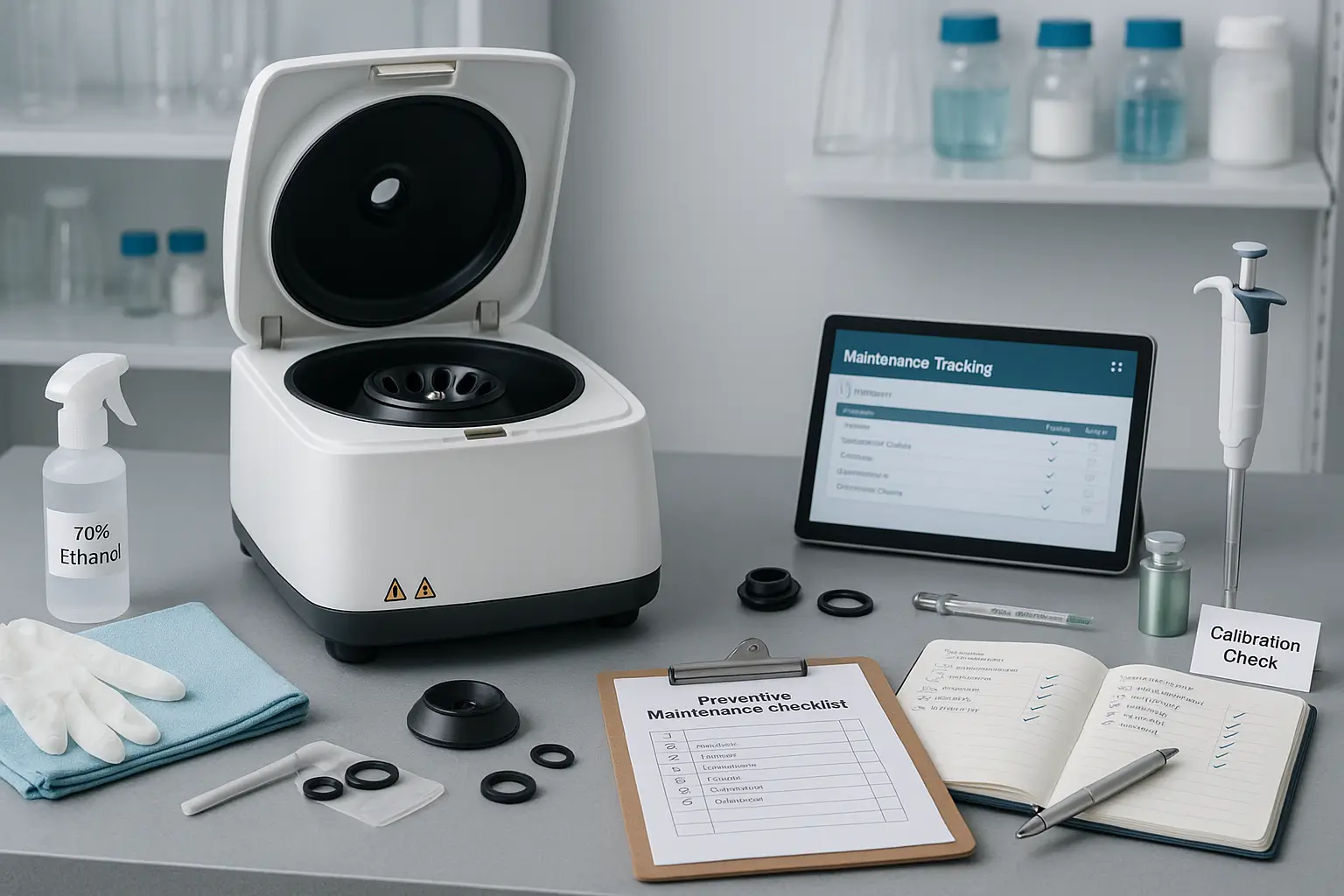
A lab carding machine is only as good as its condition. Dirty rollers, worn card clothing, or loose belts can distort your results and lead to wrong conclusions about a fiber. Regular maintenance protects both the machine and the reliability of your data. This guide covers daily, weekly, and long-term care.
Why Maintenance Matters
Carding is a precise action between fine wire teeth. Even small changes in the condition of the teeth, the gaps between parts, or the speed of the drive can change web quality. In a lab, where you compare one sample to another, such changes make results unreliable. Good maintenance means:
- Consistent, repeatable test results
- Longer machine life
- Fewer breakdowns
- Safer operation
- Lower repair costs
Daily Maintenance Practices
Clean after every use. Fibers, dust, and short fibers collect on the feed area, cylinder, doffer, and other parts. Use a soft brush or suitable tools recommended in the manual to clear them. Never use sharp tools that can bend the wire teeth.
Check for leftover fibers. Leftover material from one sample can mix into the next, especially when switching between different fiber types. Make sure the machine is completely clear before starting a new test.
Inspect guards and safety features. Confirm that guards are in place and emergency functions work before running the machine.
Look and listen. Unusual noise, vibration, or smell often signals a problem. Stop and investigate rather than continuing.
Weekly Maintenance Practices
Inspect card clothing. The wire teeth are the most important working surface. Look for bent, broken, rusted, or clogged teeth. Damaged clothing causes uneven webs, more neps, and poor cleaning.
Check belts and drive components. Belts should be tight enough to transmit power without slipping, but not over-tight. Worn or cracked belts should be replaced.
Check fasteners. Vibration can loosen bolts and screws over time. Make sure they are secure.
Clean dust from motor and electrical areas. Dust buildup can cause overheating. Keep these areas clear, following safety rules and with power disconnected.
Monthly and Long-Term Maintenance
Lubrication. Follow the manufacturer’s schedule for bearings, gears, and other moving parts. Use only recommended lubricants and avoid over-lubricating, since excess oil can attract dust and contaminate fibers.
Check settings and alignment. The gap between cylinder and other parts affects carding quality. If your machine allows adjustment, verify the settings periodically and correct any drift.
Check the drive speeds. Confirm that actual speeds match the settings. If they do not, the motor or drive may need attention.
Card clothing service. Over time, the wire teeth wear down. Depending on use, they may need professional servicing or replacement. Plan this in advance so your lab does not stop unexpectedly.
Common Problems and Their Likely Causes
Uneven web: Uneven feeding, dirty or damaged card clothing, or incorrect settings.
Too many neps: Worn or dull clothing, wrong speed, or poor fiber opening.
Fibers sticking to rollers: Static (common with synthetic fibers), humidity too low, or fiber finish issues.
Web breaking or tearing: Excessive speed differences, damp fibers, or feeding problems.
Unusual noise or vibration: Loose parts, worn bearings, or foreign objects.
Inconsistent results between tests: Changing settings, contamination between samples, or environmental changes.
Environmental Control
Fibers are sensitive to humidity and temperature. Very dry air increases static on synthetic fibers, while very humid air may make cotton and wool behave differently. A stable lab environment with controlled humidity helps you get consistent web quality and trustworthy comparisons.
Safety During Maintenance
- Always switch off and isolate the machine from power before cleaning or adjusting.
- Allow rotating parts to come to a complete stop.
- Wear suitable protection, such as gloves and a dust mask, when needed.
- Never reach into the machine while it is running.
- Follow the manufacturer’s instructions for all adjustments.
Keep Maintenance Records
Create a simple logbook noting the date, work done, parts replaced, and any problems. This helps you:
- Spot recurring issues
- Plan card clothing replacement
- Show quality systems auditors that equipment is controlled
- Keep the machine’s history if it changes operators
Storage and Protection
When the machine is not in use, cover it to keep dust away. Store spare parts and cleaning tools nearby. If the machine will sit idle for a long period, protect metal surfaces against rust according to the manufacturer’s advice.
Training Your Operators
Even the best maintenance schedule fails if operators do not follow it. Train everyone who uses the machine on basic cleaning, inspection, and safety. Provide a simple checklist near the machine so nothing is missed.
Think About Maintenance Before You Buy
When comparing machines, ask how easy cleaning is, whether spare parts such as belts and card clothing are available, and what support the supplier offers. You can review a lab carding machine and ask the seller about manuals, spare parts, and service before placing an order.
Conclusion
Maintaining a lab carding machine does not require complicated work, only regular and careful habits. Clean it after every use, inspect the card clothing, keep drives and bearings in good condition, control the environment, and keep records. With these practices, your machine will deliver accurate, repeatable results and serve your lab reliably for many years.